Web Calendar Plus TRIAL for XP, Vista and Windows 7 version 2.9.5
REGISTERED USERS PLEASE
NOTE: DO NOT download this
TRIAL version. If you do so you will
render your program unusable! If you've
previously paid for Web Calendar Plus then you must
sign up and download the registered update by clicking here.
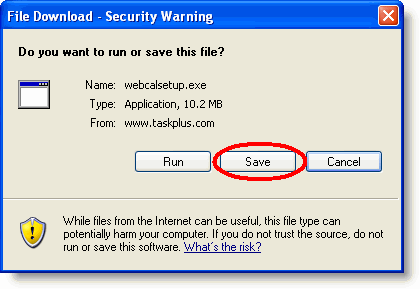
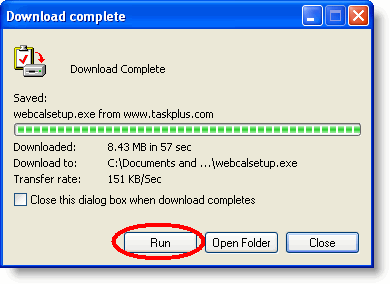
Download and TRIAL Installation InstructionsTo download and install Web Calendar Plus TRIAL version please follow these instructions.
| ||||
Contact Management Software Products Task Plus Overview - Introduction Task Plus Overview - Date Oriented Tasks Task Plus Overview - Todos Task Plus Overview - Filters Task Plus Overview - Web Pages and Reports Task Plus Overview - Exporting and Archive Task Plus Overview - Customization News Contact Information Privacy |